
- Resources
- /
- Shield Email Security Onboarding Guide
Shield Email Security Onboarding Guide
Shield·Guide or Checklist·8 min read
Make Email Onboarding Easier for Everyone
Download the Shield™ End User Onboarding Guide to simplify rollouts and reduce support tickets.
Give Clients a Clear Path From the Start
Bringing clients onto a new email security platform can create confusion if they are not guided properly. The Shield Onboarding Guide helps your customers understand what’s changing, why it matters, and how to use the new features effectively. No technical deep dives. Just straightforward answers.
Use This Guide to Save Time and Build Trust
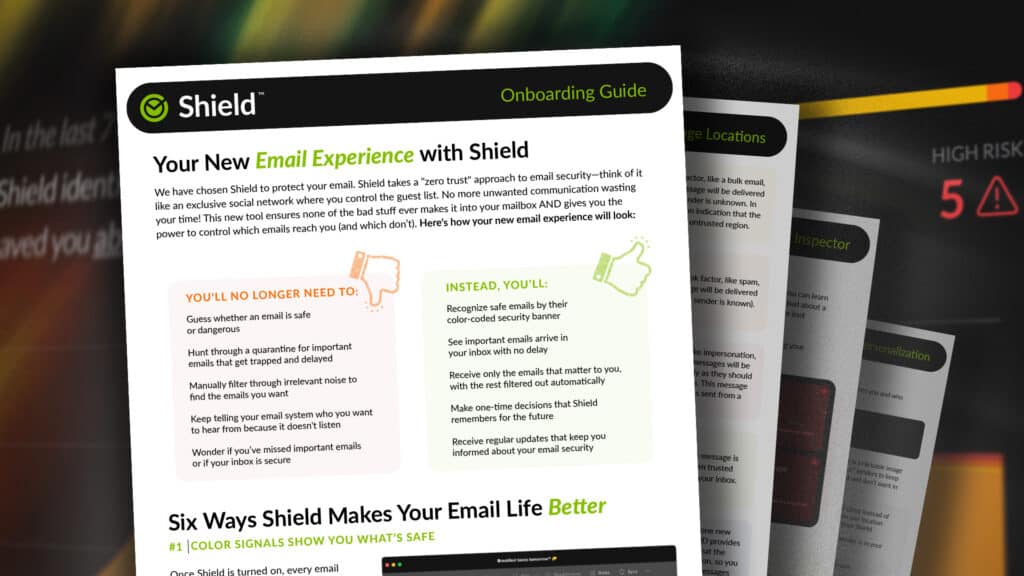
This PDF is designed to make your job easier. It walks users through how Shield works in simple terms. It explains color-coded security banners, how to approve or silence senders, how the system learns from their actions, and what to expect during the first week.
Instead of answering the same questions repeatedly, you can send this guide up front and focus your time where it matters most.
Fewer Questions, Faster Adoption
Clients feel more in control when they understand what Shield is doing and how to interact with it. When the experience is clearly explained, your team receives fewer “What happened to my email?” tickets and spends less time walking users through the basics.
What’s Inside the Download
The guide covers how Shield filters messages, how to train the system with one-click actions, and how users can use Spotlight search or X-ray to safely inspect any email. It also sets expectations for the first few days, helping users feel confident instead of confused.
Get the Guide and Make Rollouts Smoother
This guide is ready to use, brandable if needed, and perfect for pre-deployment emails, support tickets, or client portals.
Ready to see what email security looks like when it's fixed?
Join thousands of MSPs who protect their clients with Mailprotector.