
- Resources
- /
- Microsoft 365 Direct Send Spoofing: What MSPs Need to Know
Microsoft 365 Direct Send Spoofing: What MSPs Need to Know
Blog·3 min read
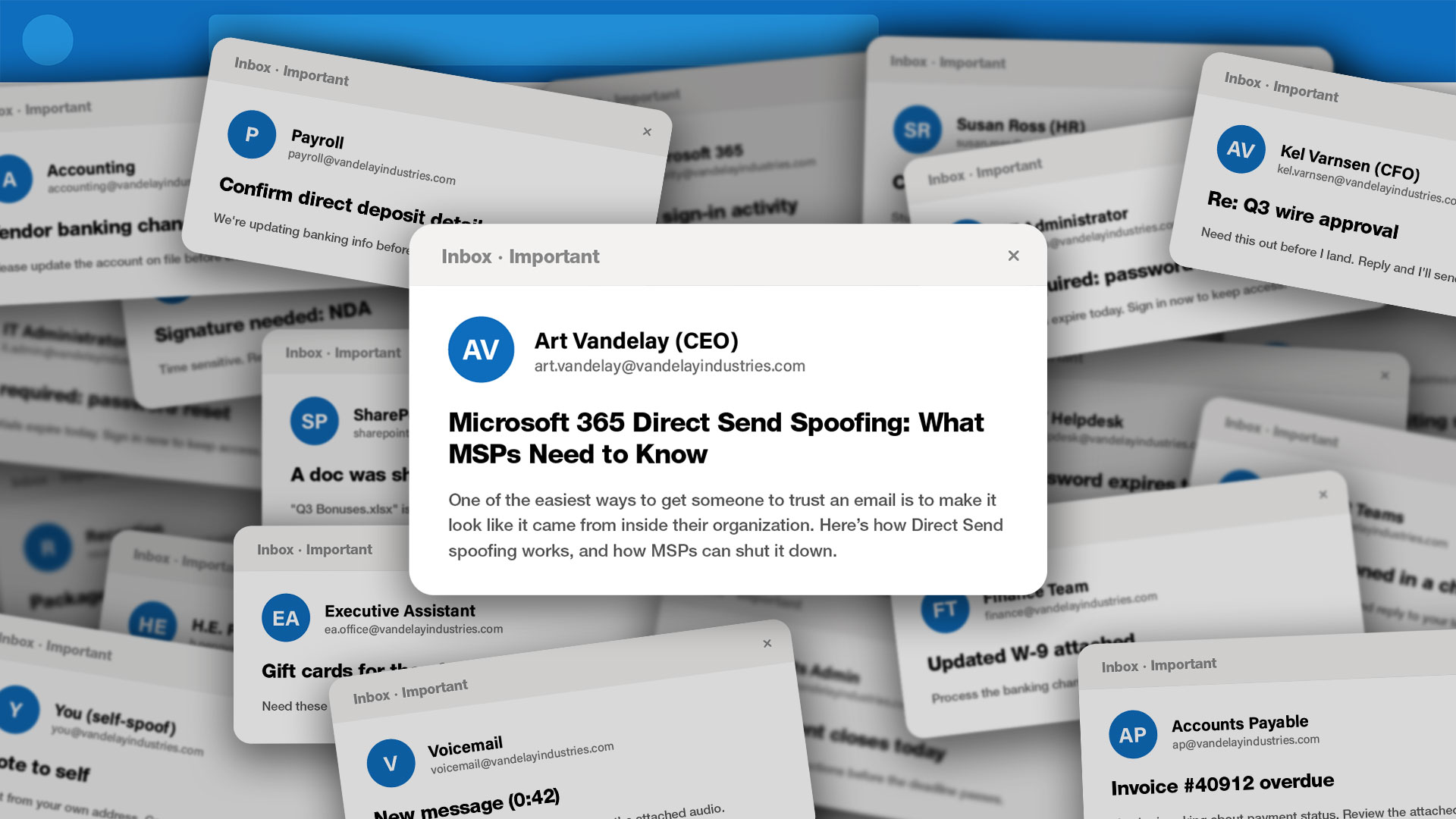
One of the easiest ways to get someone to trust an email? Make it look like it came from inside their organization.
While spoofing is not a new attack vector, Microsoft reports increased visibility and use since May 2025. Many of these attacks take advantage of the platform’s Direct Send feature. Take a scroll through r/msp and you’ll see it’s an ongoing problem.
How Does Direct Send Spoofing Work?
Microsoft 365’s Direct Send mail flow feature allows devices and applications to send email without traditional user authentication.
For example, printers, scanners, copiers, security systems, and other tools rely on Direct Send to deliver notifications and automated messages.
Microsoft says Direct Send itself isn’t the problem. Rather, the attack vector takes advantage of complex routing scenarios and misconfigured protections in Direct Send-related mail flows.
The result is emails that appear to come from inside the organization, or in some cases, from the recipient themselves.
Because the message appears to originate from inside the Microsoft 365 environment, it may also bypass checks that are designed to scrutinize external email, including Microsoft’s filtering tools and third-party solutions that rely on sender reputation and other signals.
What Makes Direct Send Spoofing So Successful. And Dangerous.
By now, most users know to be cautious of unexpected emails from unknown senders. But an email that appears to come from a coworker, manager, or HR? That’s a different story. And that’s what makes the attacks so dangerous.
Attackers often use publicly available information to reference coworkers, projects, and vendors, making spoofs more convincing than a typical phishing email.
They also often start with a simple request, like “Are you around?” or “Can I ask you a quick question?” And once the conversation starts, it’s easier to follow up with a password reset request, malicious QR code, or another attempt to steal information.
The Consequences of a Successful Spoof
In some cases, the attacker’s goal is purely financial. In 2024 alone, Business Email Compromise (BEC) attacks resulted in more than $2.7 billion in losses. In others, the goal is stolen credentials that give attackers access to email, cloud apps, client records, and other sensitive data and systems.
For organizations in regulated industries, a successful spoof can also lead to compliance violations and fines.
Even after the immediate threat is contained, the work isn’t over. Investigating and recovering from a phishing-driven breach takes an average of 254 days. That pulls your team away from day-to-day operations and forces them to spend months cleaning up the mess.
Perhaps most damaging of all is the loss of trust. When a spoofed email appears to come from your client’s organization, their vendors and business partners may start to question whether future messages are legit.
How to Prevent Direct Send Spoofing Attacks
Where possible, we recommend disabling Direct Send and upgrading legacy devices to solutions that support modern authentication.
Before making changes, identify any devices, applications, or workflows that currently rely on Direct Send. Understanding those dependencies ahead of time can help prevent disruptions to legitimate business communications.
It’s also a good idea to get in touch with your email security provider. Since Direct Send spoofing is a known issue, many providers have established processes for reviewing potential incidents, validating mail flow configurations, and identifying the most common causes.
And because many of these incidents trace back to mail flow and authentication misconfigurations, it’s also important to review the fundamentals. Our Email Security Basics webinar series has your back. We cover all things SPF, DKIM, DMARC, and more to help you protect users from Direct Send spoofing and other email threats.
Ready to see what email security looks like when it's fixed?
Join thousands of MSPs who protect their clients with Mailprotector.